
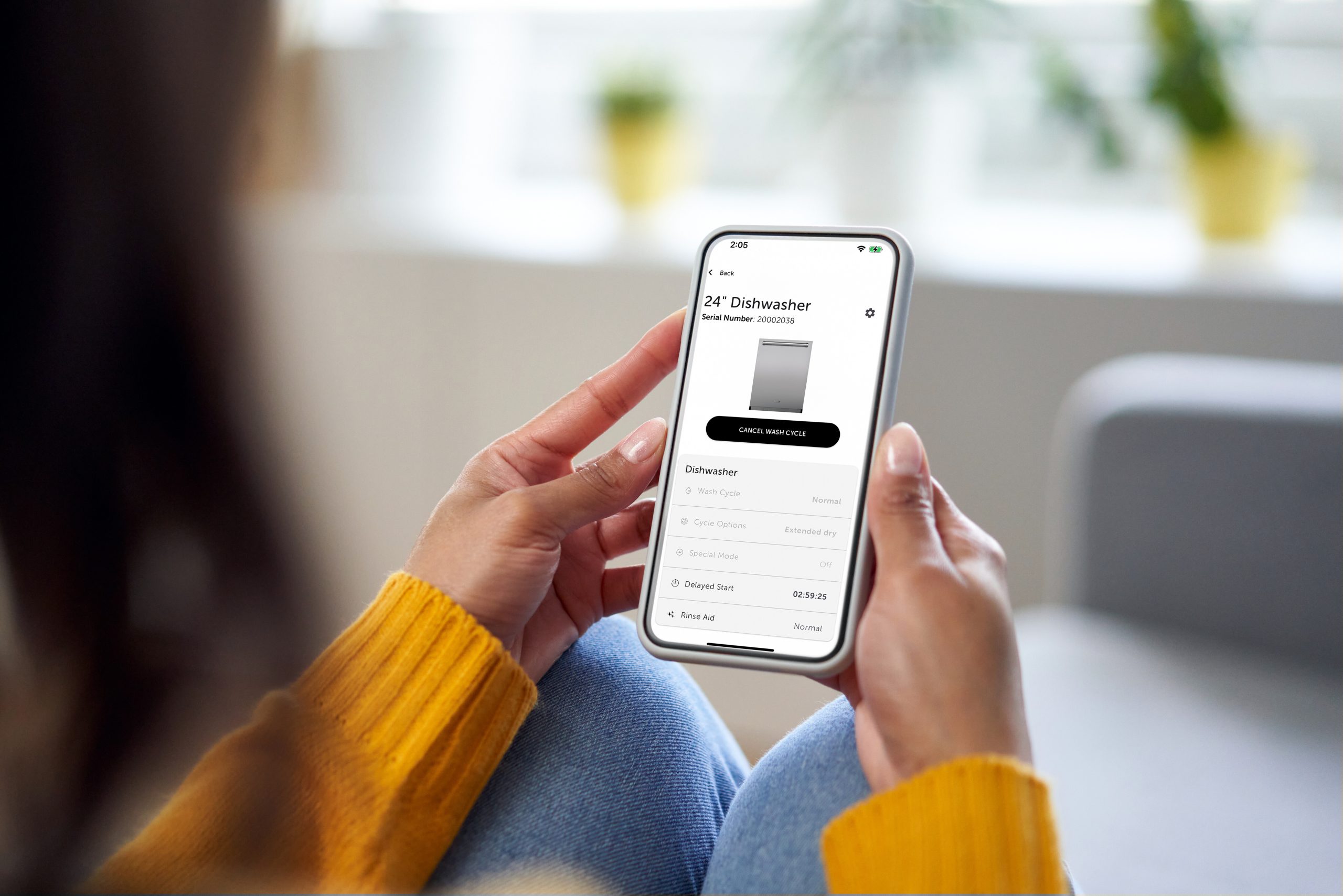
Want to get the most out of your Sub-Zero, Wolf, and Cove appliances? The Sub-Zero Group Owner’s App puts kitchen confidence right at your fingertips. From remote control to real-time alerts, setting up the app is a simple step that unlocks powerful features designed to enhance convenience, performance, and peace of mind.
Here’s how to get started:
- Download the App
Find the Sub-Zero Group Owner’s App on the App Store or Google Play and install it on your mobile device. - Sign In or Create an Account
Log in using your existing Sub-Zero, Wolf, and Cove account—or create one if you’re new. - Connect Your Appliance
With Bluetooth enabled, stand near your Wi-Fi-enabled appliance and follow the on-screen instructions in the app. It’ll guide you step-by-step through the connection process.
Why Connect?
Once set up, you can:
- Get alerts if a door is left open or a cycle is complete
- Remotely preheat your oven or adjust ice settings
- Set up auto-replenishment for filters and rinse aid
- Browse chef-tested recipes and control cooking from the app
Even older models can join in with the help of a connectivity kit.
Ready to take control of your kitchen?
Download the app today and experience your appliances in a whole new way.
Need help? Explore our Quick Start Guide for everything you need to get connected.